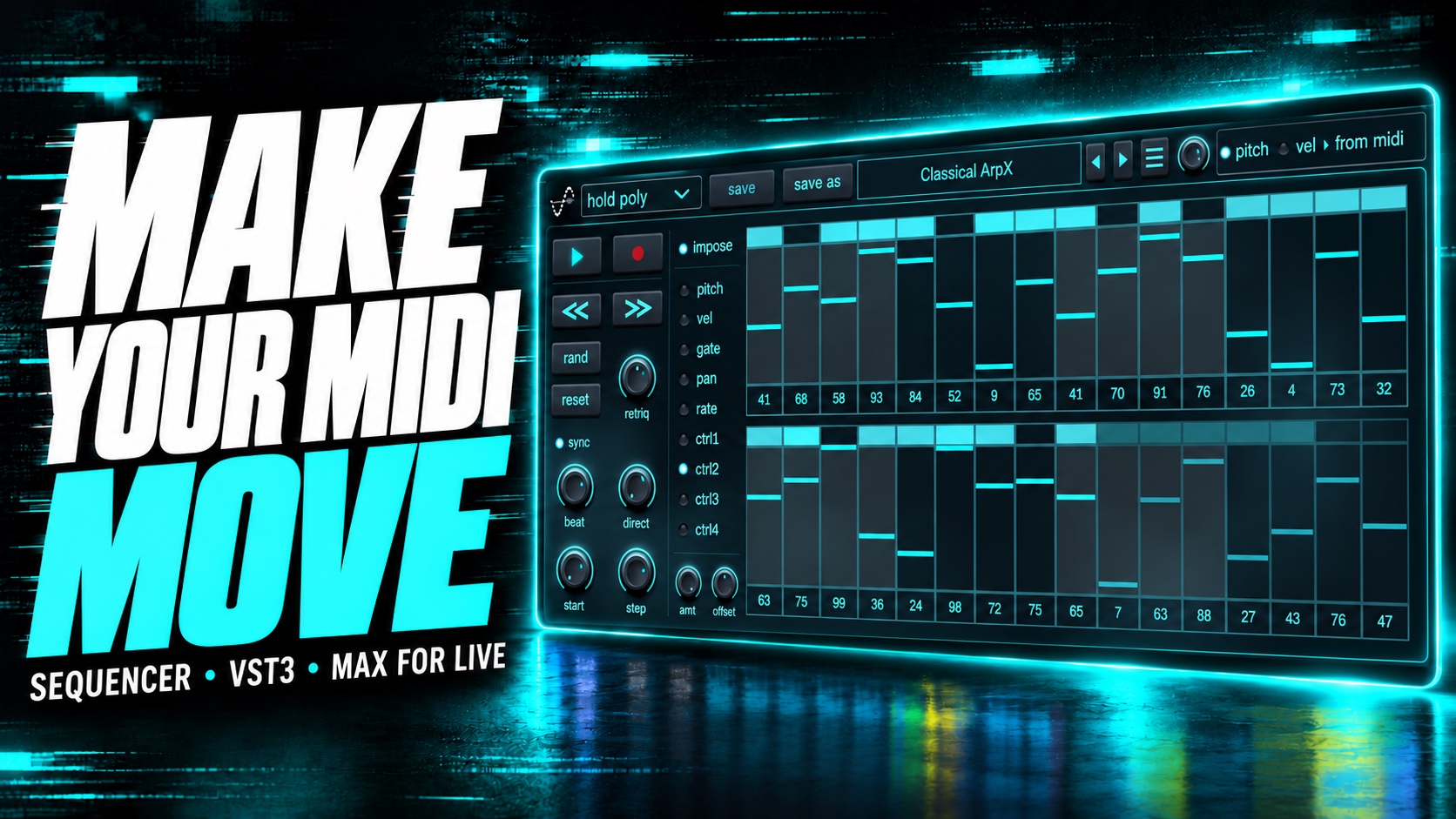
A different shape for every lane.
Draw patterns for pitch, velocity, gate, pan and rate. Randomize, reset and shift pattern data, with dedicated undo and redo.
32-STEP MIDI SEQUENCER / BY DWP
Turn a few notes into something that keeps moving.
Shape pitch, velocity, gate, pan and timing. Let four control lanes bring the rest of your sound along for the ride.
$29USD / one-time license
VST3 + Max for Live · macOS & Windows · Version 1.0.1
01 / From input to inspiration
Build melodies, rhythms and evolving modulation inside your DAW. Refine each step, or let a little randomness open a new direction.
Draw patterns for pitch, velocity, gate, pan and rate. Randomize, reset and shift pattern data, with dedicated undo and redo.
Explore synchronized or free timing, flexible playback directions, start positions and retrigger modes. Give the same notes a different feel.
Use incoming MIDI to shape your pattern. Record ideas, choose how notes trigger playback, and move between hands-on performance and precise editing.
02 / Beyond the notes
Four independent control lanes turn a note pattern into a performance. Set each lane’s amount and offset, then build the movement you want to hear.
03 / In your studio
Load Sequencer as a VST3 MIDI effect in a compatible host and route its MIDI output to your instrument. The full pattern editor is always at hand.
MIDI routing depends on your DAW. A host and an instrument are required; Sequencer is not a standalone sound generator.
Explore the signal flowPlace the included MIDI device before an instrument in Ableton Live. Open the editor from the device and map CTRL 1–4 to parameters in the next instrument or effect.
Requires Ableton Live with Max for Live and the installed Sequencer VST3. The Max device hosts the same plug-in.
LESS READING. MORE LISTENING.
See Sequencer shape MIDI patterns, timing and performance controls inside the DAW.
YouTube loads only when you choose to play. The video may show an earlier version of the interface.
SEQUENCER / VERSION 1.0.1
Try it with your own instruments.